Roles
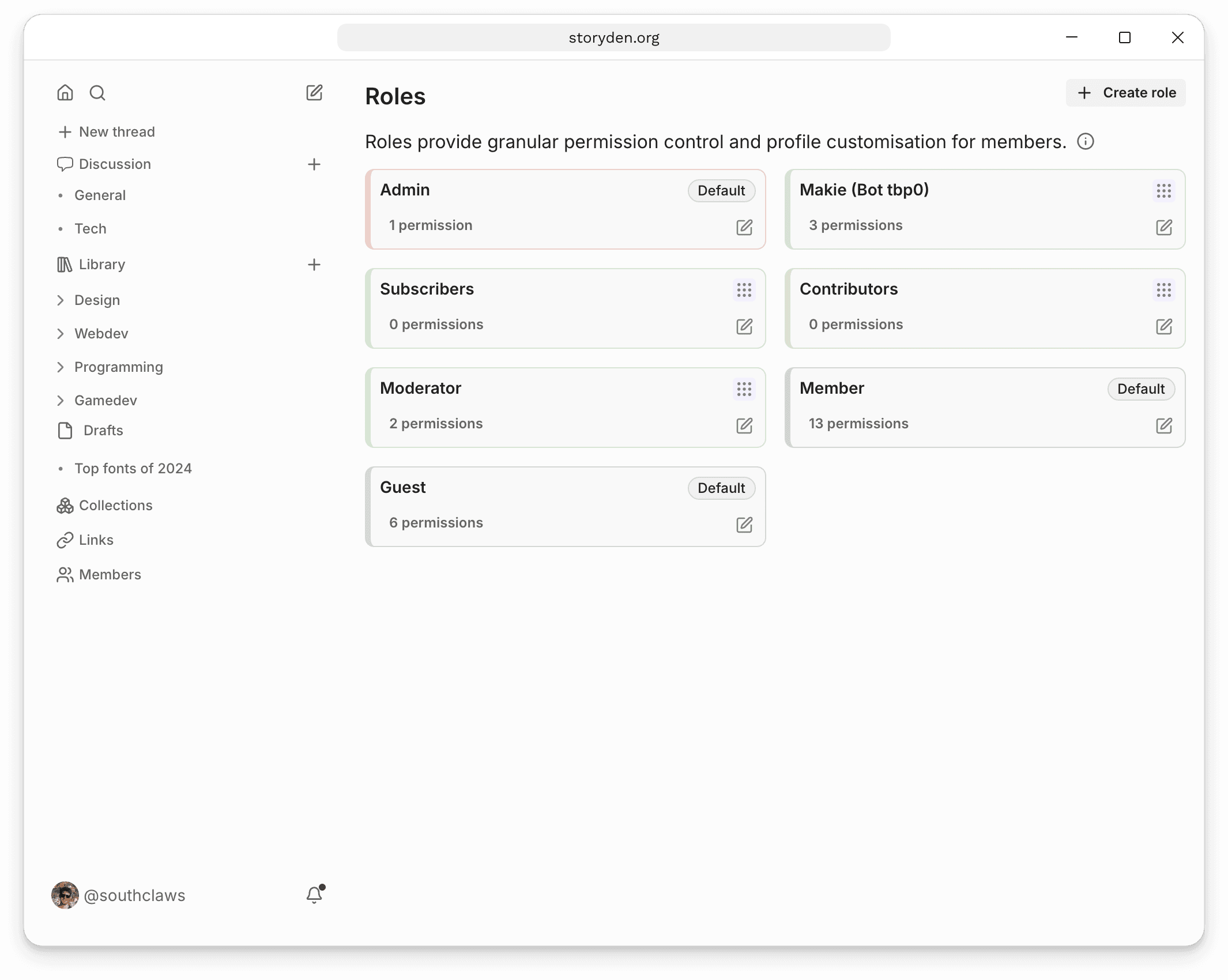
Roles are a way to group members together and assign them specific permissions.
Roles in Storyden are modelled loosely on Discord roles, so if you've used Discord you'll feel right at home.
You can use Roles to control access to certain features via Permissions, or just as a way to group members and give their profile some flair via colours and badges.
Default roles
There are three built-in roles:
- Guest: Controls what visitors can access before signing in.
- Member: The default role for registered members. Its permissions can be customised for your community.
- Admin: Has full administrative access. Only assign it to people you trust.
Creating custom roles
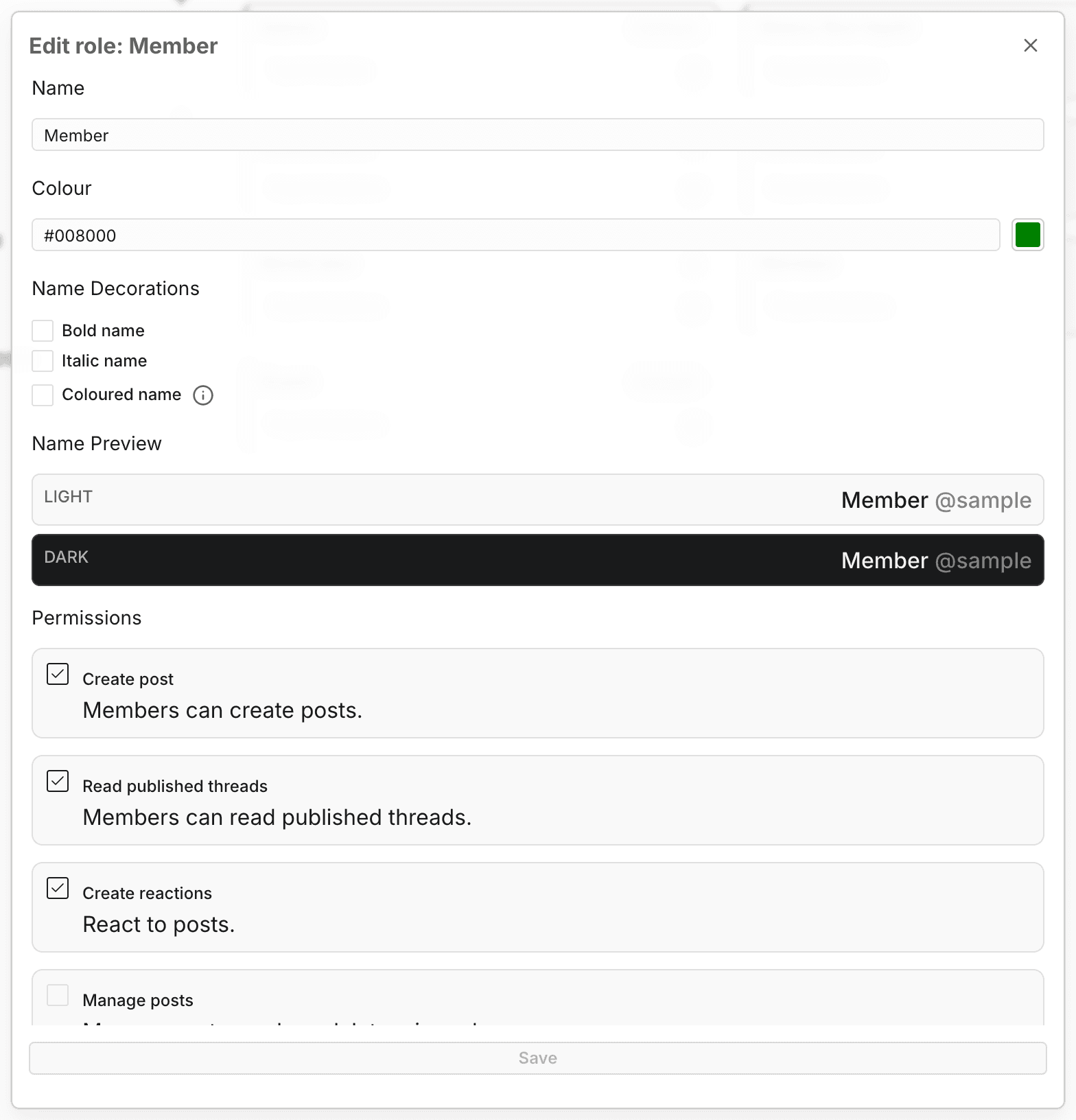
You can create custom roles to group members together and assign them specific permissions. Each role has:
- Name: The name of the role. This is displayed on their profile as well as on the public Roles page.
- Colour: The colour of the role. This is used to colour the Role badge.
- Permissions: The permissions assigned to the role. Permissions are additive, meaning if a member has multiple roles, they will have all the permissions of all their roles. You cannot currently create roles that remove permissions or mask permissions from other roles.
Badges
Members can choose a single role to be their "Badge" which will be displayed next to their name across the site.
Customising the Member role
With permission to manage roles, open the Roles page and choose Edit role on Member. Adjust the permission checkboxes and save. These defaults apply to all registered members, alongside permissions granted by their other roles.